Flexible appointment calendar
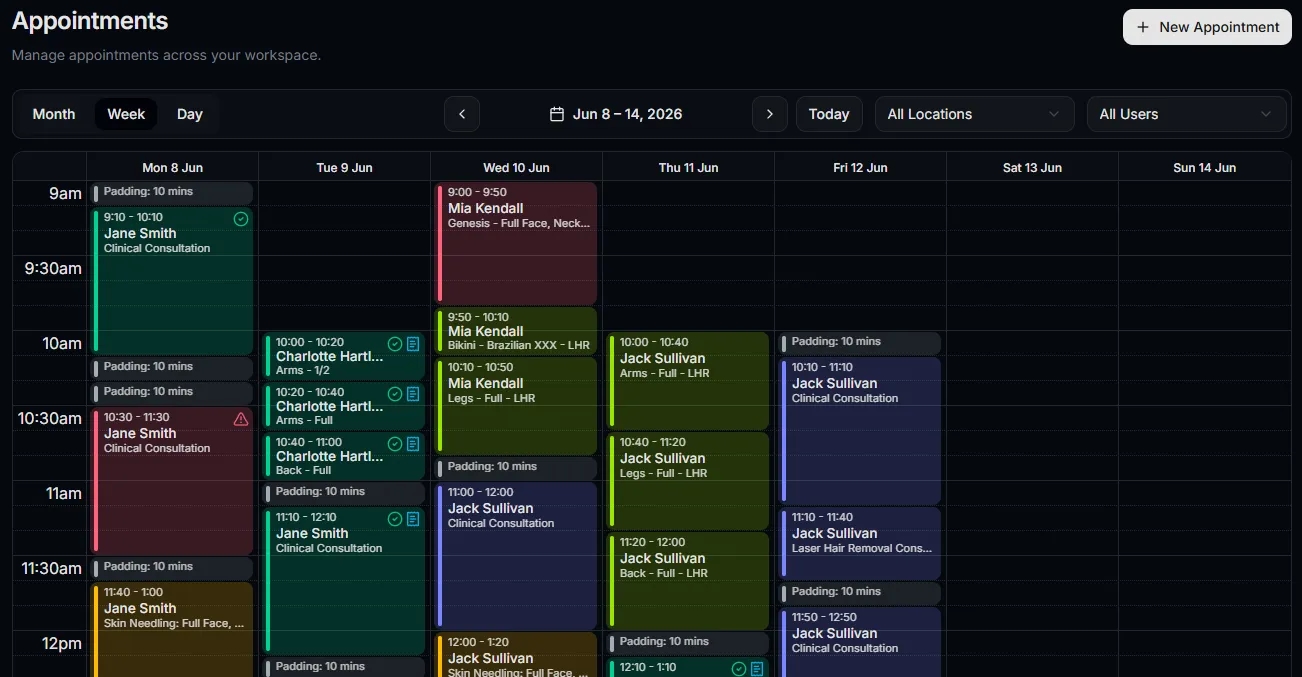
Plan bookings across the day, week, and team with clear appointment timing.
Plan bookings, manage client context, track appointment statuses, and keep scheduling close to locations, team availability, billing, and day-to-day operations.
Today's schedule
Tuesday, 23 June 2026
9:00 AM
Sarah Mitchell
Skin Consultation
10:30 AM
Emily Carter
Advanced Facial
12:15 PM
Nina Patel
Treatment Review
2:00 PM
James Walker
Wellness Session
Why scheduling matters
Scheduling gives teams a clear view of the day, connects appointments to client and location context, and helps prevent operational detail from drifting into disconnected tools.
Plan bookings across the day, week, and team with clear appointment timing.
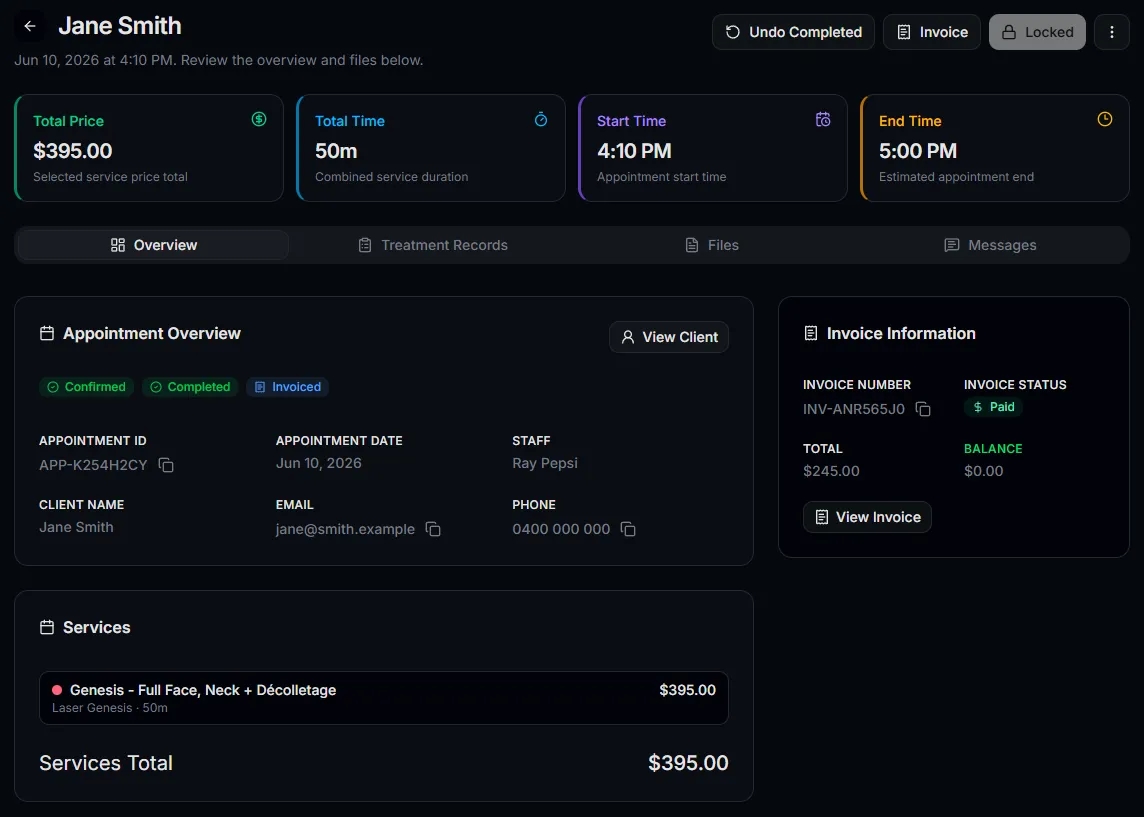
Keep treatment context, notes, costs, messages, and documents linked to each booking.
Open appointments with the client details and history your team needs nearby.
Connect bookings to business locations so every appointment has the right site context.
Track appointment progress from scheduled to checked in, completed, cancelled, or no-show.
Move from appointment work to invoices and payments without losing operational detail.
How it works
Servorian is designed so scheduling can stay connected to the people, places, services, statuses, and billing records that make each appointment meaningful.
Define locations, services, team members, and business settings so bookings start with the right structure.
Book clients into suitable times with service, location, status, and appointment context captured together.
Keep notes, documents, costs, messages, and treatment details close to the booking as the day unfolds.
Use appointment detail to support invoicing, payments, client history, and follow-up work.
Appointment snapshot
Daily workflow status
Scheduled
8
appointments
Checked in
2
appointments
Completed
5
appointments
Follow-up
3
appointments
Appointment visibility
Scheduling works best when it helps the team understand more than time slots. Statuses, billing cues, client context, and daily workload all matter.
Review the appointment day
See how bookings are distributed across the schedule before the team starts work.
Track operational status
Spot scheduled, checked-in, completed, cancelled, and no-show appointments at a glance.
Keep billing context visible
Understand which appointments still need invoice or payment follow-up.
Connected workflows
Client records
Keep appointment history connected to the people and businesses you serve.
Team rostering
Align bookable times with staff working hours and location coverage.
Invoicing
Turn appointment work into billing records without rebuilding the context elsewhere.
Appointment detail
Each booking can become a practical working record for your team, bringing client details, timing, statuses, treatment context, documents, and billing cues into one place.
FAQ