Guided client booking
Give clients a clear path from service selection through to appointment request.
Guide clients through services, locations, suitable times, details, and deposits while keeping the appointment workflow connected inside your workspace.
Online booking request
Guided client flow
Service
Advanced facial
Location
Newcastle Clinic
Time
Thu, 10:30 AM
Deposit
$50 required
Why online bookings matter
Online bookings can reduce manual coordination while keeping requests aligned with services, locations, team availability, deposits, and appointment workflows.
Give clients a clear path from service selection through to appointment request.
Shape booking options around suitable team availability, services, and locations.
Collect the contact and booking information your team needs before the appointment.
Support bookings across the sites where your business actually delivers services.
Support booking flows that can include deposits when the service requires commitment.
Move online requests into the appointment workflow without re-entering the same details.
How it works
Servorian is being designed so online booking detail can flow into the same operational system your team already uses for scheduling, clients, and billing.
Expose services, locations, and availability that make sense for clients to request online.
Collect service, location, time, contact details, and supporting booking information.
Keep the team in control of booking context before confirming or adjusting appointments.
Carry online booking detail into appointments, client records, deposits, and follow-up work.
Booking pipeline
Requests and confirmations
Requests
14
this week
Confirmed
9
appointments
Deposits
6
received
Follow-up
3
to review
Booking visibility
Online bookings should help your team move faster, not create a separate inbox of disconnected requests.
Reduce back-and-forth
Clients can provide key booking details before your team starts coordinating the appointment.
Protect the schedule
Booking options can be shaped around suitable services, team availability, and locations.
Keep context connected
Online booking details can flow into the appointment workflow your team already uses.
Connected workflows
Scheduling
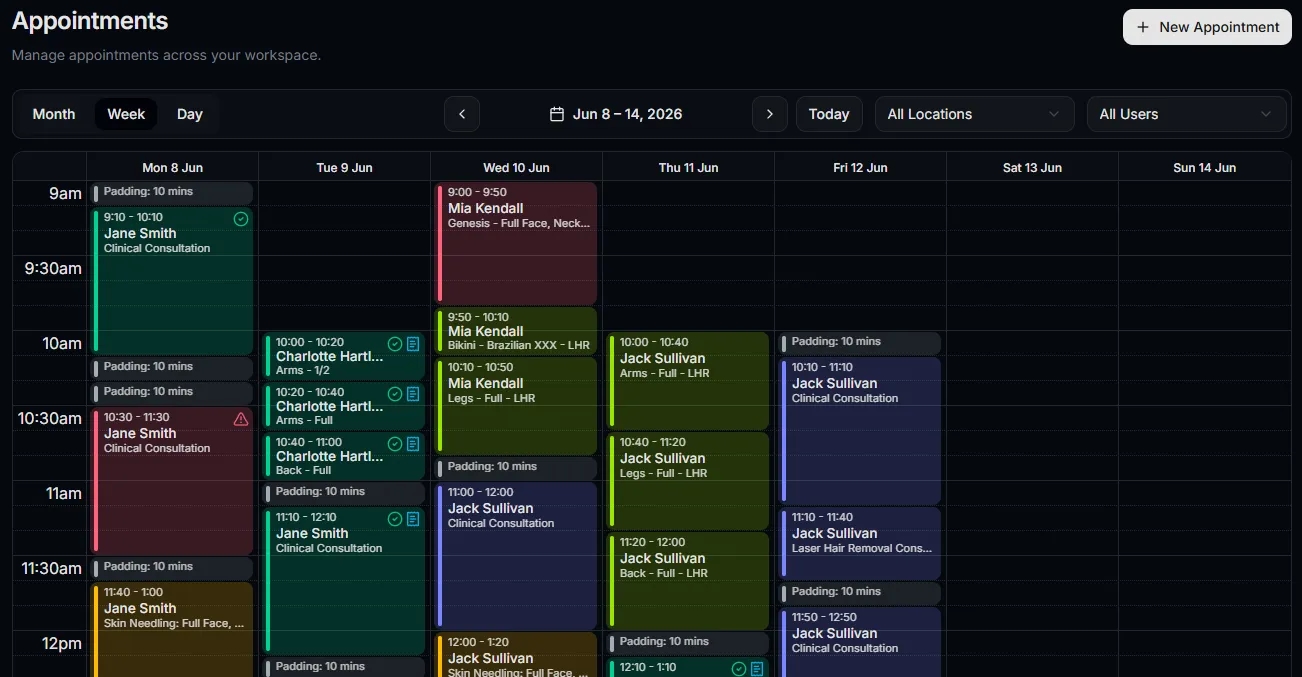
Turn suitable online requests into appointments with the right calendar context.
Team rostering
Offer times around the staff and locations that can actually support the service.
Client records
Keep booking details connected to client profiles and appointment history.
Request detail
Client details, service choices, preferred locations, requested times, and deposit information can support the team before the appointment reaches the calendar.
Request summary
Advanced facial at Newcastle Clinic
Client
Amelia Rose
Preferred time
Thursday, 10:30 AM
Deposit
$50 pending
Status
Review needed
FAQ